Backups and restore
Create, retain, transfer, download, delete, and restore PocketBase backups with bounded operational risk.
Use the Backups screen or backups API to protect application data and recover from a known-good archive. Backup and restore operations require a superuser, and restore replaces the running application's data and restarts the PocketBase process.
Before you begin
Choose a maintenance window for restore, confirm the archive name, and create a fresh backup before replacing current data. Ensure that only one backup or restore operation runs at a time. If you use scheduled backups, configure a valid cron expression and a positive retention count.
Manage backups
Open Settings, then select Backups. The screen lists backup administration and the available backup actions.
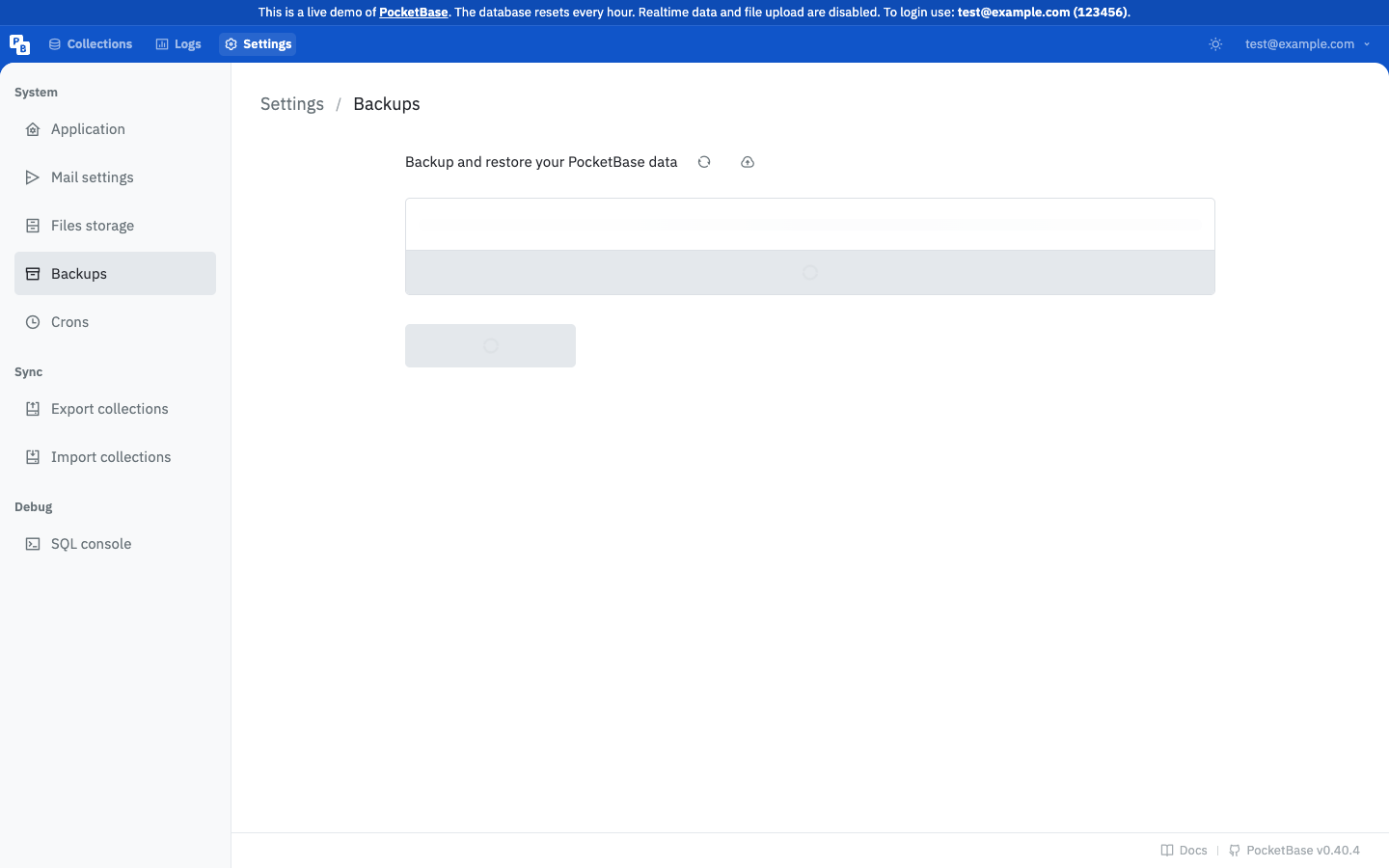
Enter a cron expression in the backup schedule and set the maximum number of generated backups to keep. Leave the cron value empty to disable automatic backups. cronMaxKeep is required and must be at least 1 when a schedule is configured.
For example, 0 0 * * * schedules a daily run at midnight in the process environment's cron interpretation. Confirm the resulting files and retention behavior in a non-production environment before relying on it.
Create a backup with an optional base name matching the supported zip-name format, or upload an existing application/zip archive. The backup list shows each archive's key, modification time, and size.
Select an archive and download it with a superuser file token. Treat the downloaded zip as sensitive application data and store it in an access-controlled location.
After confirming the archive and maintenance window, restore it by its key. PocketBase rejects a concurrent backup or restore, restores the selected archive, and restarts the current process.
POST /api/backups/{key}/restoreDo not close the maintenance window until the process is available and the restored data has been checked.
API operations
The backup surface is superuser-only:
| Operation | Purpose |
|---|---|
GET /api/backups | List available backup archives. |
POST /api/backups | Create an application data backup. |
POST /api/backups/upload | Upload an existing zip archive as multipart form data. |
DELETE /api/backups/{key} | Delete one archive when it is not in use. |
POST /api/backups/{key}/restore | Restore one archive and restart PocketBase. |
GET /api/backups/{key}?token=... | Download one archive with a superuser file token. |
Verify recovery
After the process restarts, sign in to the admin UI, confirm the expected collections and a representative record, and make a harmless authenticated API read. Check that file storage and mail settings match the restored state. Record the archive key and verification time in your operational change record without putting secrets in it.
Troubleshooting
PocketBase reports that another operation is in progress
Wait for the current backup or restore to finish and retry. Do not start parallel requests to force progress; the API explicitly rejects concurrent backup and restore operations.
An uploaded archive is rejected
Upload a zip file using multipart form data. A non-zip file, such as test_backup.txt, fails MIME validation.
A backup cannot be deleted
Check whether it is still being generated or is part of a restore operation. Wait for that operation to finish, then retry deletion.
The restored process is unavailable
Allow for the documented restart, then check the process logs and listener. If it does not return, follow your deployment rollback procedure and preserve the restore archive and logs for investigation.
Next steps
Pair this workflow with Server configuration reference and the Production readiness checklist. For schema changes, use Migrations and schema delivery before creating a new recovery point.