Scheduled jobs administration
Review PocketBase scheduled jobs and understand the boundaries around inspecting, running, and removing them.
Use the Crons screen to inspect registered jobs and their schedules. This guide helps administrators distinguish safe inspection from actions that execute code or affect system maintenance jobs.
Before you begin
You need a signed-in superuser account and a running PocketBase instance. The Crons API and the Dashboard Settings > Crons screen are superuser-only. Confirm the job owner and its expected side effects before triggering any job.
Review scheduled jobs
Open Settings, then select Crons.
Review the job identifiers and cron expressions. Do not select a run or delete control while you are identifying the job.
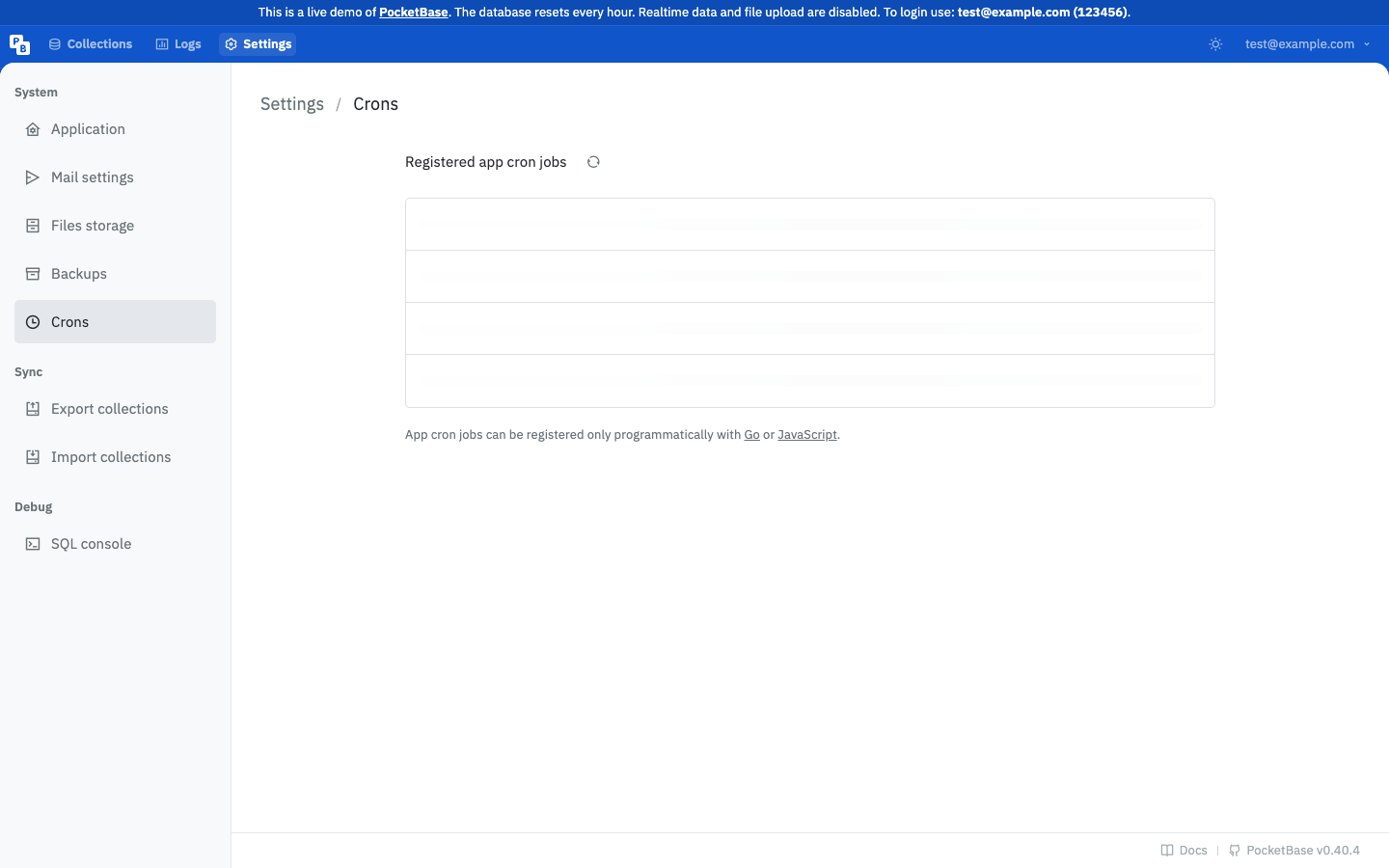
Separate application jobs from system jobs before taking action. Application jobs are registered by your PocketBase application. System job identifiers use the __pb* form and support built-in maintenance such as log cleanup or automatic backups.
Record the identifier, schedule, owner, and intended effect in your change notes. The scheduler starts automatically when the application serves.
With superuser authorization, list jobs without triggering them:
curl -sS -H 'Authorization: YOUR_SUPERUSER_TOKEN' 'https://api.example.com/api/crons'The response is a JSON array containing job identifiers and expressions. Replace the example host and token with values from your deployment; never paste a real token into documentation or a shared terminal transcript.
A run request is a separate, asynchronous action. If the owner has approved the side effects, send POST /api/crons/{jobId} for the exact job identifier. PocketBase returns HTTP 204 after accepting the run, not after proving that the handler completed successfully.
Do not run system jobs or an unfamiliar application job as a test. A missing identifier returns 404.
Limitations and safety boundaries
The scheduler runs each job in its own goroutine. The app.Cron() scheduler also owns system jobs. Replacing system jobs or calling RemoveAll() or Stop() can have unintended side effects, so use the application’s explicit job registration and removal APIs only when you own the change. A job can be removed with app.Cron().Remove(id) in the application code; removal is not an administrative substitute for reviewing the job’s effect.
Next steps
Use Health checks, logs, and statistics to verify a job’s observable effects, then review Production readiness checklist before enabling recurring maintenance.